> For the complete documentation index, see [llms.txt](https://developers.make.com/llms.txt). Markdown versions of documentation pages are available by appending `.md` to page URLs; this page is available as [Markdown](https://developers.make.com/custom-apps-documentation/debug-your-app/make-devtool/live-stream.md).
# Live Stream
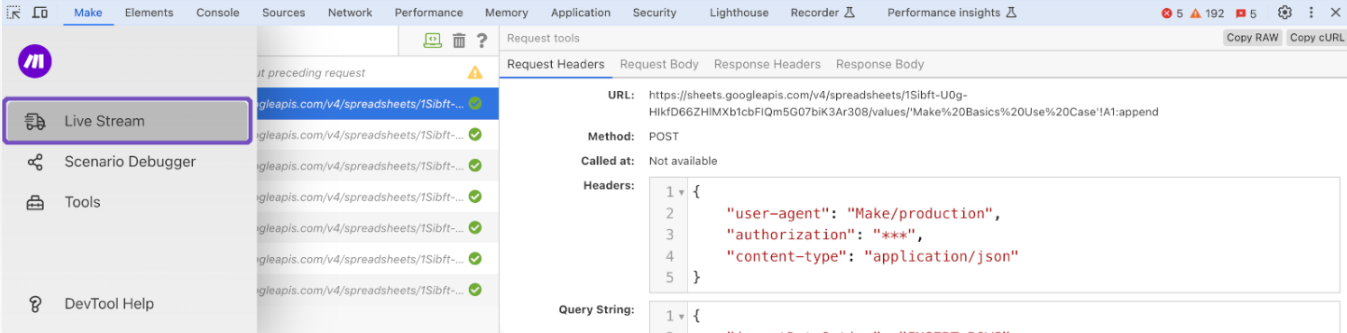
Live Stream displays what is happening in the background once you've hit the **Run once** button.
You can view the following information for each module in your scenario:
* **Request Headers** (API endpoint URL, HTTP method, time and date the request has been called, request headers, and query string)
* **Request Body**
* **Response Headers**
* **Response Body**
After you run a scenario, select **Live Stream** from the left-side panel and click one of the tabs in the right panel of Make DevTool to view the desired information.
## Search in Logs
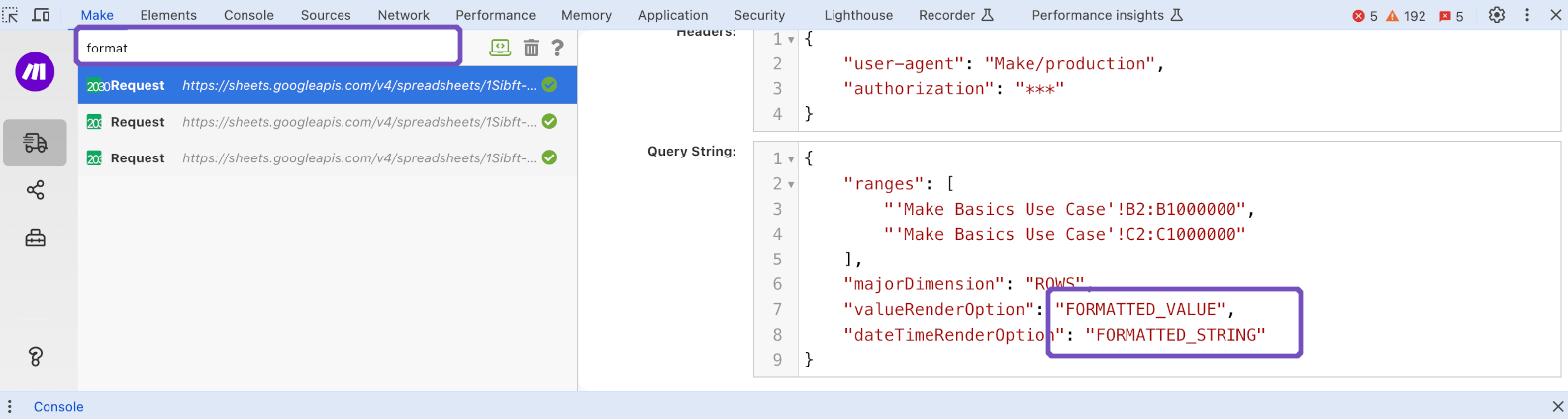
Enter the search term in the search field in the left panel of Make DevTool to only display requests and responses that contain the search term.
## **Clear the list of recorded requests**
To clear the list of requests recorded by Make DevTool, click the bin icon next to the search field.
## **Enable console logging**
To enable logging in the console, click the computer icon next to the search field.
When logging is enabled, the color of the computer icon switches to green.

Click the same icon again if you want to disable logging. The icon turns gray when the feature is disabled.
## **Retrieve the request in the raw JSON format or cURL**
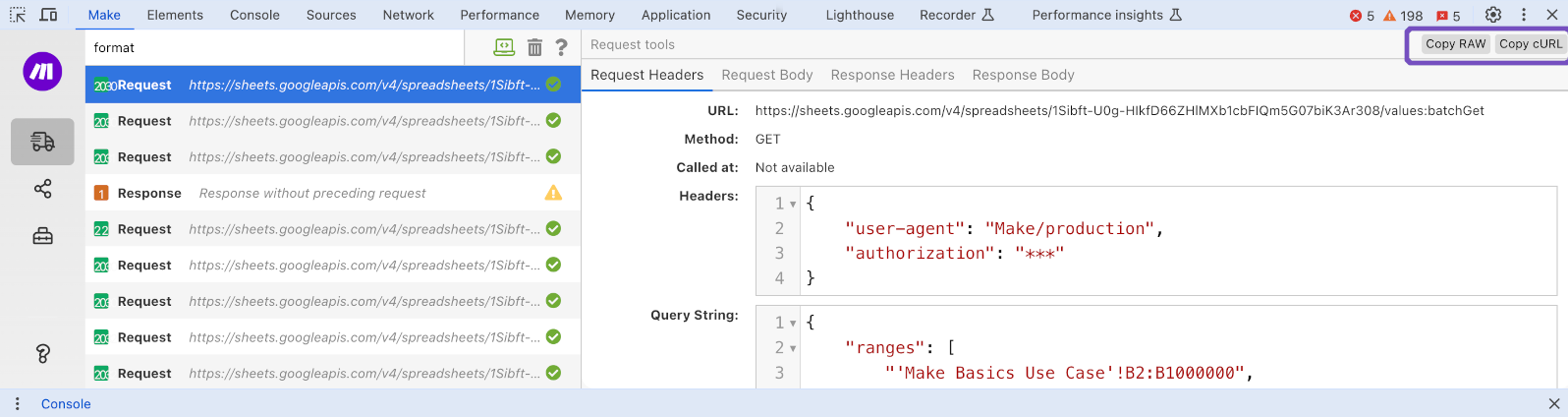
To retrieve the raw JSON content of the request, click the **Copy RAW** icon in the top-right corner of the DevTool's panel.
Similarly, you can retrieve cURL using the **Copy cURL** button next to the **Copy RAW** button in the top-right corner of the Make DevTool's panel.