> For the complete documentation index, see [llms.txt](https://developers.make.com/llms.txt). Markdown versions of documentation pages are available by appending `.md` to page URLs; this page is available as [Markdown](https://developers.make.com/custom-apps-documentation/debug-your-app/make-devtool/scenario-debugger.md).
# Scenario Debugger
The Scenario Debugger shows you the historical logs of your scenario, including the history of the scenario runs. You can search for modules by their name or ID.
## **Search for modules**
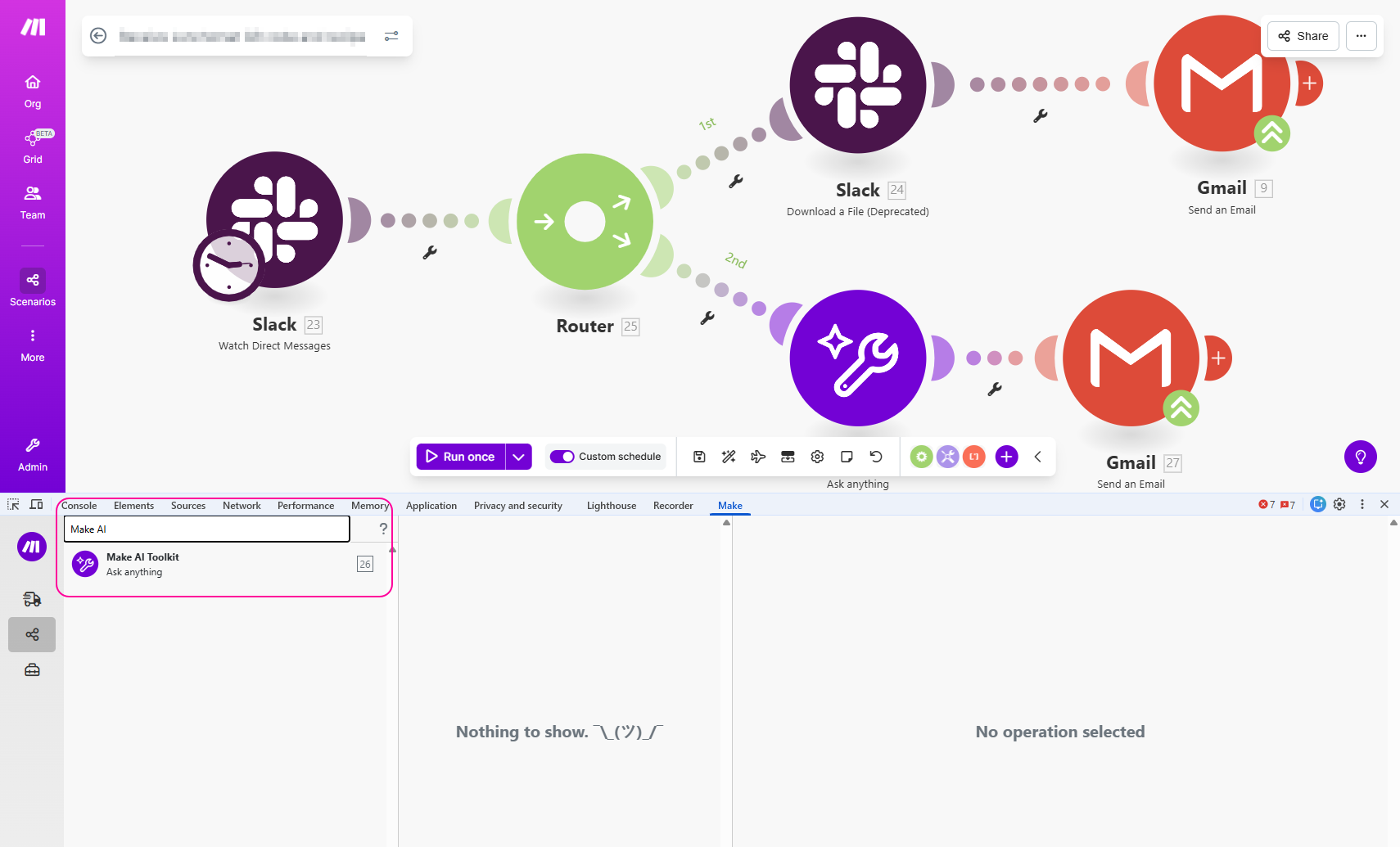
To search for the module by name or ID number, enter the search term in the search field in the left panel of the DevTool.
## Open module settings
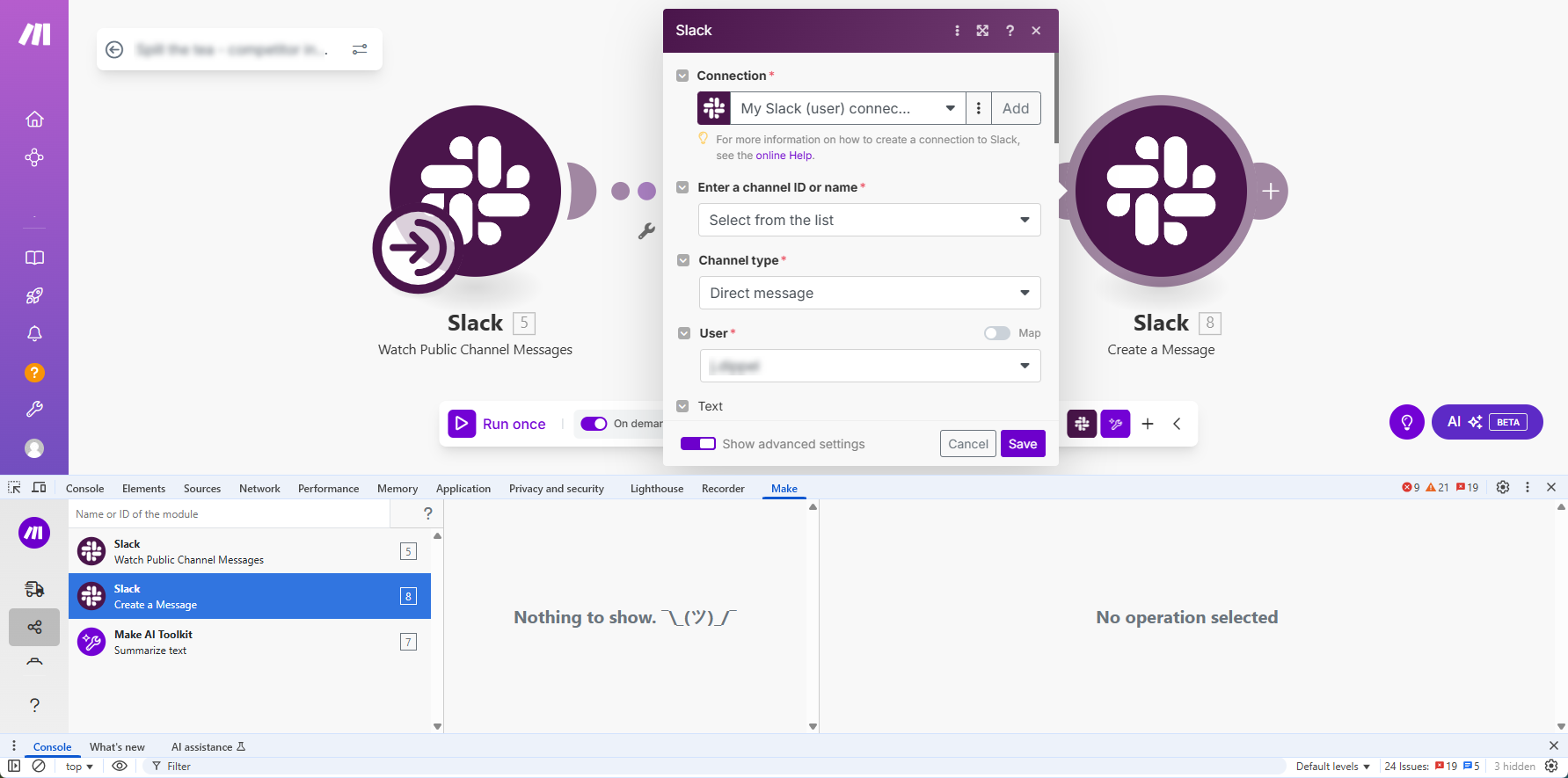
To open the module settings, double-click the module's name in the list.
## View request or response details
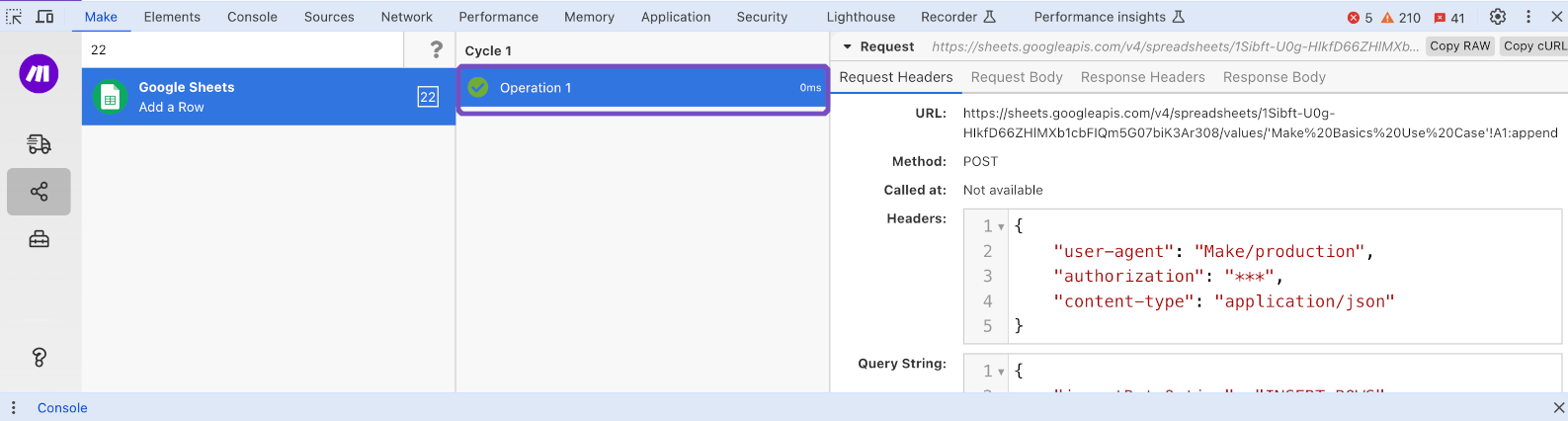
To view request or response details, click the operation in the list.